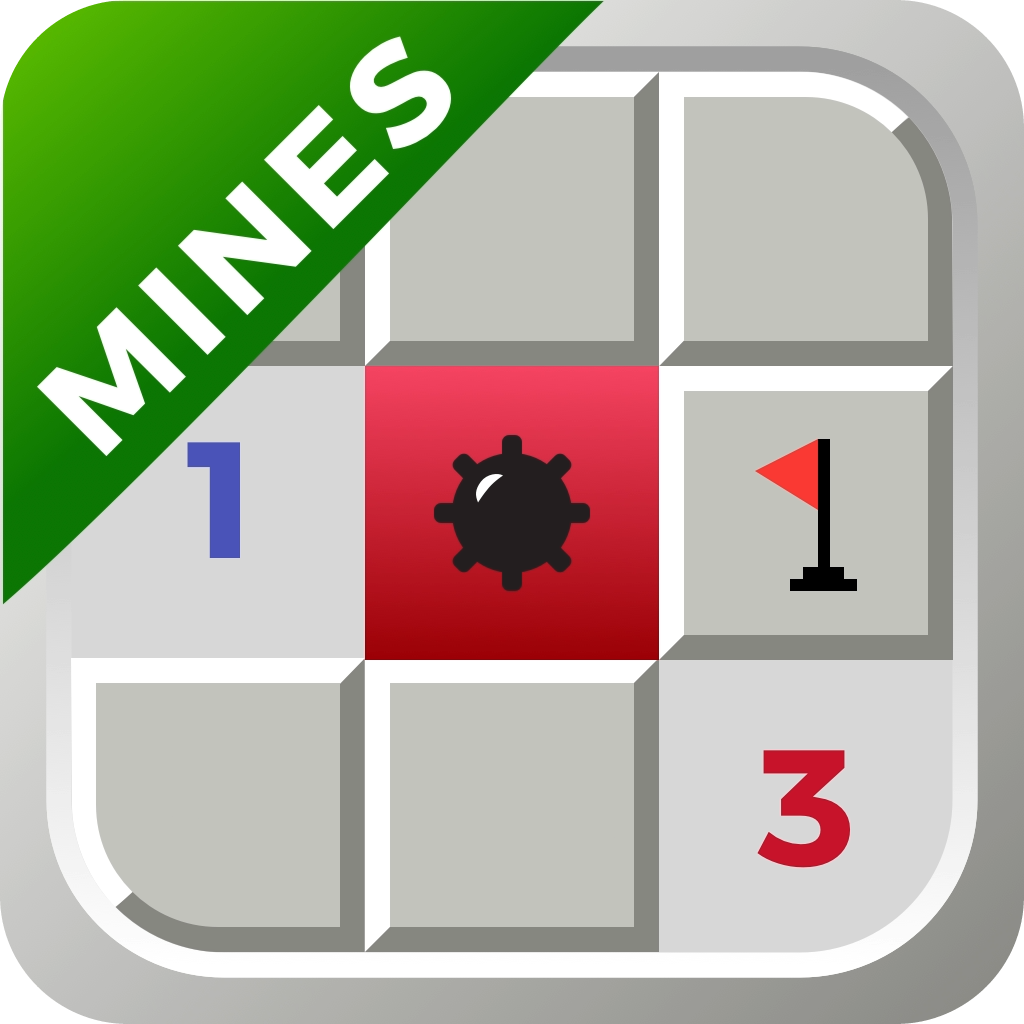
 Welcome to Minesweeper Puzzle Bomb: Navigating Logic and Strategy!
Embark on a nostalgic journey with Minesweeper Puzzle Bomb, the game that reimagines the classic puzzle for your mobile device. Perfect for those who enjoy a strategic challenge, it promises an engaging experience as you navigate the minefield with logic and caution. Ready to test your skills and memory? Let's delve into a world of puzzles and mines.
Game Features
Minesweeper Puzzle Bomb comes packed with features to enhance your gameplay:
- High Score Leaderboard: Compete on beginner, medium, and difficult levels to see your name at the top.
- Stats Tracking: Monitor your progress with detailed statistics showcasing your improvement.
- Three Levels of Difficulty: Choose from beginner, medium, and difficult to match your skill level.
- Customizable Game: Adjust settings for a tailored challenge and gameplay experience.
- Flag Mode: Strategically mark tiles you suspect are bombs, adding depth to your strategy.
- Smooth Interface: Enjoy an easy-to-navigate game environment and a seamless gaming experience.
- Pinch to Zoom: Get a closer look at the game board to make informed decisions.
- Portrait & Landscape Mode: Play in your preferred orientation on both iPhone and iPad.
Getting to know the Interface
| 1. Game Board: This is where all the action happens. You'll click on tiles to reveal numbers or mines, aiming to clear the board without detonating any mines. | |
| 2. Settings: Here you can tweak the game to your liking, changing difficulty settings or customizing the game's appearance to make it your own. | |
| 3. Number of Mines on the Board: Keep an eye on this number to know how many mines are left to find. It's a key part of your strategy to win. | |
| 4. Elapsed Time: Challenge yourself to beat your best time by keeping track of how long you take to clear the minefield. | |
| 5. Flag Mode: Use this to mark the spots where you think mines are. It's a crucial tool for navigating through the trickier parts of the game. |
Tile Guide
 In Minesweeper Puzzle Bomb, each square on the board gives you valuable clues to help you avoid the mines and clear the field. Here’s a guide to help you understand what each type of square means:
Covered Square (Gray Tile)
This is a tile that hasn’t been tapped yet. It might be empty, contain a number, or hide a mine.
Numbered Tile
This number indicates the number of mines adjacent to that square (including diagonally). Use this to deduce the logical locations of mines.
Flagged Tile
Tap the Flag Mode button and then tap a square to place a flag. Use flags to mark tiles you believe contain a mine so you don’t accidentally tap them.
Question Mark Tile
If you're unsure about a square, use a question mark as a temporary marker. Tap a flagged square again to change it into a question mark. This feature can be enabled or disabled in the game’s settings.
Mine (Red Background)
This square appears when you tap on a mine. Game over!
You’ll see a red background with a mine symbol to show where the explosion happened.
Incorrect Mine (Red X)
This appears at the end of the game if you placed a flag on a square that didn’t have a mine.
The crossed-out mine symbol (red X) helps you learn from the mistake by showing that this was not a mine, even though it was flagged.
All images shown above are from the default theme in Minesweeper Puzzle Bomb, so your game may look slightly different if you’ve selected a custom theme in settings.
With its blend of traditional gameplay and modern enhancements, Minesweeper Puzzle Bomb will surely entertain.
Dive into the world of Minesweeper Puzzle Bomb and start clearing those mines today!